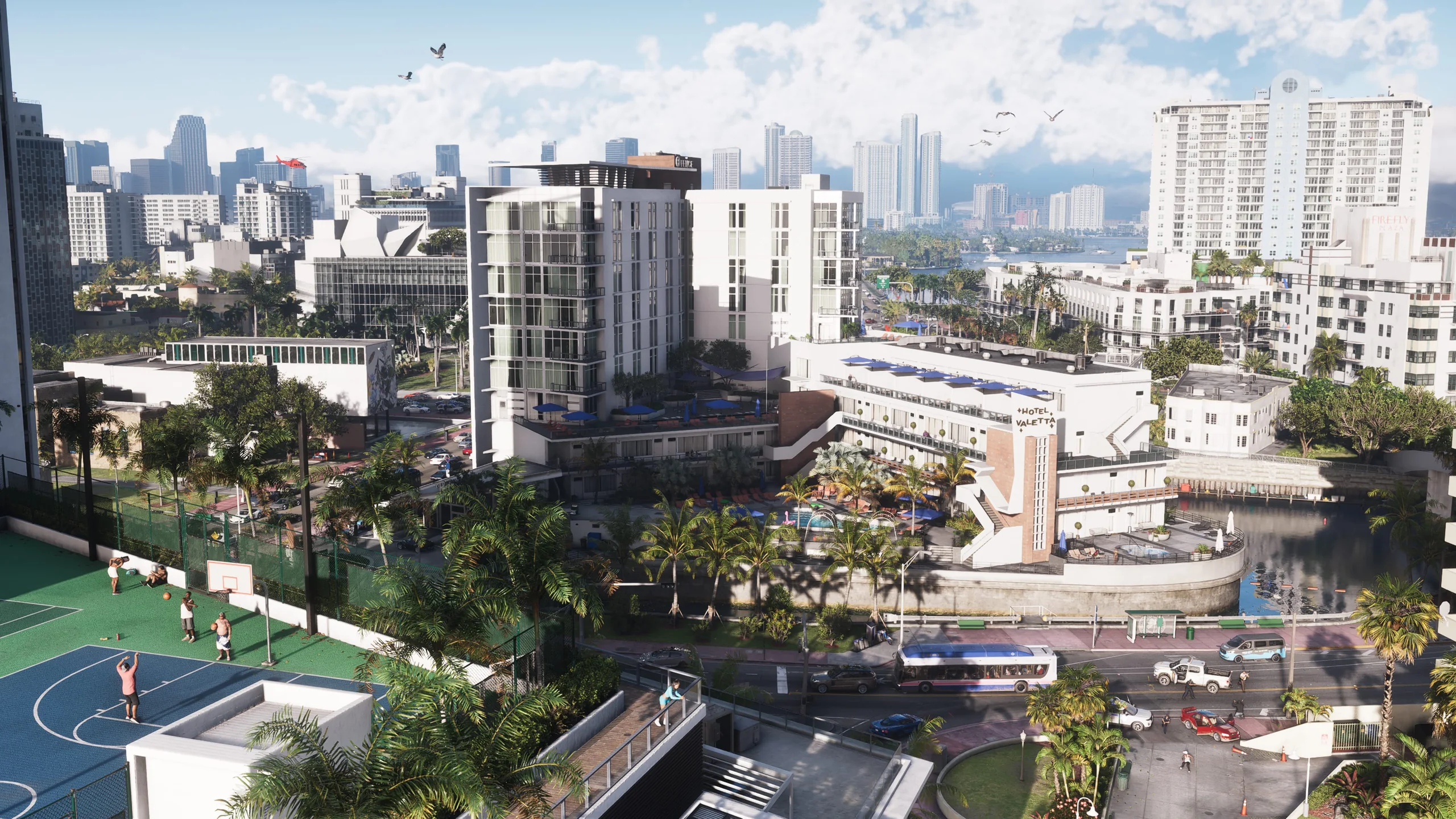
GTA 6 preload and release times by country on PS5 and Xbox
The final preparations for GTA 6 start today: Grand Theft Auto VI preloading opens on November 10, 2026, for PS5 and Xbox Series X|S. Rockstar has set different start rules for the two platforms: local midnight on PlayStation and a single worldwide opening at 00:00 GMT on Xbox.
Check your storage before heading to the library. The game can require up to 212 GB, depending on your device. Downloading ahead of time gets installation out of the way, but the adventure itself begins with the November 19 launch.
Preload at a glance
- Digital preload
- November 10, 2026
- Available storage
- Up to 212 GB, depending on the device
- Release date
- November 19, 2026
- Platforms
- PlayStation 5 and Xbox Series X|S
GTA 6 preload times on PS5 and Xbox Series X|S
PS5 downloads open as each time zone reaches midnight. Xbox preloading starts everywhere at once: 00:00 GMT on November 10 is still November 9 across much of the Americas. Xbox players do not need to wait for their own local midnight.
| Platform | Reference date | Opening time |
|---|---|---|
| PS5 | November 10, 2026 | 00:00 in your local time zone |
| Xbox Series X|S | November 10, 2026 (GMT) | 00:00 GMT · simultaneous worldwide start |
| Location and time zone | Xbox preload (local time) |
|---|---|
| Mainland Spain and the Balearic Islands (UTC+1) | November 10 · 01:00 |
| Canary Islands and London (UTC+0) | November 10 · 00:00 |
| Mexico City (UTC−6) | November 9 · 18:00 |
| Bogotá, Lima and New York (UTC−5) | November 9 · 19:00 |
| Buenos Aires (UTC−3) | November 9 · 21:00 |
| Los Angeles (UTC−8) | November 9 · 16:00 |
These conversions apply to this specific date. On PS5, the reference remains 00:00 local time on November 10 in each time zone.
Up to 212 GB: what to prepare before downloading
Rockstar lists an available-space requirement of up to 212 GB, with the amount depending on your device. That notice does not break the figure down by console model. It should not be treated as an exact size for every system or as a confirmed amount of data to transfer over the Internet.
- Check free space on the drive you intend to use. Move or uninstall other games if necessary, leaving some room for installation work and later updates.
- Sign in with the account that owns the preorder or will redeem the download code. Make sure the purchase appears in your library.
- Update the console software and check your connection. Use a reliable network, preferably a wired connection if one is available.
- Check any data allowance on your Internet plan and allow enough time. A large download can take hours, with real speeds affected by your connection and service demand.
- Review automatic download and power settings before leaving the console in Rest Mode or Sleep. Keep it connected to power while downloading.

How to enable automatic GTA 6 downloads on PS5
For a digital preorder, set up the game's own automatic download as well as the console's automatic update options:
- Open Game Library and select your Grand Theft Auto VI preorder.
- Select the release countdown, check the content you want to download automatically and confirm with OK.
- Go to Settings > System > Power Saving > Features Available in Rest Mode and enable Stay Connected to the Internet.
- Leave the PS5 on or in Rest Mode. Once preloading is available, check progress under Downloads/Uploads.
To start manually, open the game in your library and select Download when available. If only the countdown appears, check the opening time first.
How to enable automatic downloads on Xbox Series X|S
Rockstar says automatic updates must be enabled and the Xbox must be on or in Sleep mode. Also check that your preorder belongs to the account you are using:
- Open Profile & system > Settings > System > Updates and enable Keep my games & apps up to date.
- Under Settings > General > Power options, select Sleep and review active hours if you have customized them.
- Find Grand Theft Auto VI in My games & apps or open its Microsoft Store listing. Select the installation option when enabled and check your download queue.
- Keep the console online and either on or in Sleep mode so the download can continue.
Turning on automatic updates does not confirm that the game is already downloading. Check its queue entry and installation progress. The opening time is based on GMT, even if your local calendar still shows November 9.
Physical copies contain a download code
The physical version described by Rockstar includes a download code inside the box, with no disc. Retail shipping and collection are expected to start on November 12, so receiving and redeeming that code determines when you can begin downloading your copy.
Once it arrives, redeem the code in your console's store with the appropriate account and download the game. Rockstar Support says codes can be used as soon as they are received for preloading. Check regional activation conditions and confirm delivery with your retailer: ordering a box does not automatically add the game to your digital library.
GTA 6 release times by country: November 19
Rockstar sets GTA VI’s native PS5 and Xbox Series X|S release at midnight local time on November 19, 2026. This is the midnight ending November 18 and beginning November 19, not the end of November 19. The same rule applies to Standard and Ultimate; no exclusive Ultimate early-access period is announced.
The table applies Rockstar’s rule to specific cities and time zones. It does not convert a single worldwide launch: each zone reaches its own midnight. The Canary Islands therefore have a local 00:00 reference, rather than 23:00 obtained by subtracting an hour from mainland Spain. Also check the countdown attached to your purchase in the console store.
Xbox’s simultaneous GMT opening on November 10 concerns the preload. It is also separate from Xbox Cloud Gaming, which has its own start time. Installed files or a redeemed code prepare your access but do not replace checking the unlock and any updates requested by the console.
| Country or local reference | Zone on November 19 | Native date and time |
|---|---|---|
| Mainland Spain and Balearic Islands | UTC+1 | November 19 · 00:00 |
| Canary Islands | UTC+0 | November 19 · 00:00 |
| Mexico · Mexico City | UTC−6 | November 19 · 00:00 |
| Colombia · Bogotá; Peru · Lima; Ecuador · Quito | UTC−5 | November 19 · 00:00 |
| Venezuela · Caracas; Bolivia · La Paz | UTC−4 | November 19 · 00:00 |
| Argentina · Buenos Aires; Uruguay · Montevideo; Brazil · São Paulo | UTC−3 | November 19 · 00:00 |
| Chile · Santiago | UTC−3 | November 19 · 00:00 |
| United States · New York / Chicago | UTC−5 / UTC−6 | November 19 · 00:00 in each city |
| United States · Denver / Los Angeles | UTC−7 / UTC−8 | November 19 · 00:00 in each city |
| United Kingdom · London | UTC+0 | November 19 · 00:00 |
| France · Paris; Germany · Berlin | UTC+1 | November 19 · 00:00 |
| Japan · Tokyo | UTC+9 | November 19 · 00:00 |
| Australia · Sydney | UTC+11 | November 19 · 00:00 |
| New Zealand · Auckland | UTC+13 | November 19 · 00:00 |
These are local examples of Rockstar’s published rule, not single national times. Mexico, the United States, Brazil, Australia and other countries span several zones; use your own location and check your license’s countdown. The offsets shown apply on November 19, 2026.
Xbox Cloud Gaming has a separate 06:00 UTC opening
Xbox Wire announces GTA VI cloud streaming on Xbox One and Series X|S from 1 a.m. ET on November 19, equivalent to 06:00 UTC. This is a simultaneous opening, distinct from the installed game’s local-midnight release. The equivalents below do not override market availability or account purchase conditions.
| Local reference | Cloud opening |
|---|---|
| Mainland Spain and Balearic Islands | November 19 · 07:00 |
| Canary Islands and London | November 19 · 06:00 |
| Mexico City | November 19 · 00:00 |
| Bogotá, Lima and New York | November 19 · 01:00 |
| Buenos Aires and São Paulo | November 19 · 03:00 |
| Los Angeles | November 18 · 22:00 |
Related articles to prepare for launch
- Platforms, cloud access and Remote Play differences
- Boxed download codes: delivery, redemption and limits

What to do if the preload does not start
Before deleting files or buying the game again, work through these checks:
- Make sure preloading has opened for your platform and time zone.
- Check your account and preorder, or confirm that your boxed copy's code has been redeemed. Open the game from your library or its official listing to try a manual download.
- Check the destination drive, connection and queue. Another installation or an outstanding error may need attention.
- Wake the console if it was in Rest Mode or Sleep, check its download settings and restart it if the process remains stuck.
- Check your platform's service status and follow its official troubleshooting instructions. Record any error code before contacting support.
Official download and installation help:
Service status: PlayStation Network · Xbox.
GTA 6 preload frequently asked questions
Do I need to be at the console at midnight?
You can set up automatic downloading and leave the console in the required power state. Check progress later: a preorder alone does not ensure every download setting is enabled.
Why does Xbox preloading open on November 9 in the Americas?
The worldwide opening is 00:00 GMT on November 10. In time zones west of GMT, the local date may still be November 9.
Is 212 GB the same requirement on every console?
No. Rockstar specifies up to 212 GB of available space, depending on your device. Check the requirement shown by your console when starting installation.
Can I preload before receiving my boxed download code?
You need to receive and redeem it to associate that purchase with your account. Ask your retailer about shipping or collection; physical availability is expected from November 12.
Do I need Ultimate Edition to preload?
Preloading also applies to digital Standard Edition preorders. You do not need to buy an upgrade to prepare the installation.
Can I play as soon as the download finishes?
The installed version unlocks at local midnight on November 19. Having the files ready only prepares your console. Xbox Cloud Gaming has a separate opening at 06:00 UTC on November 19.